

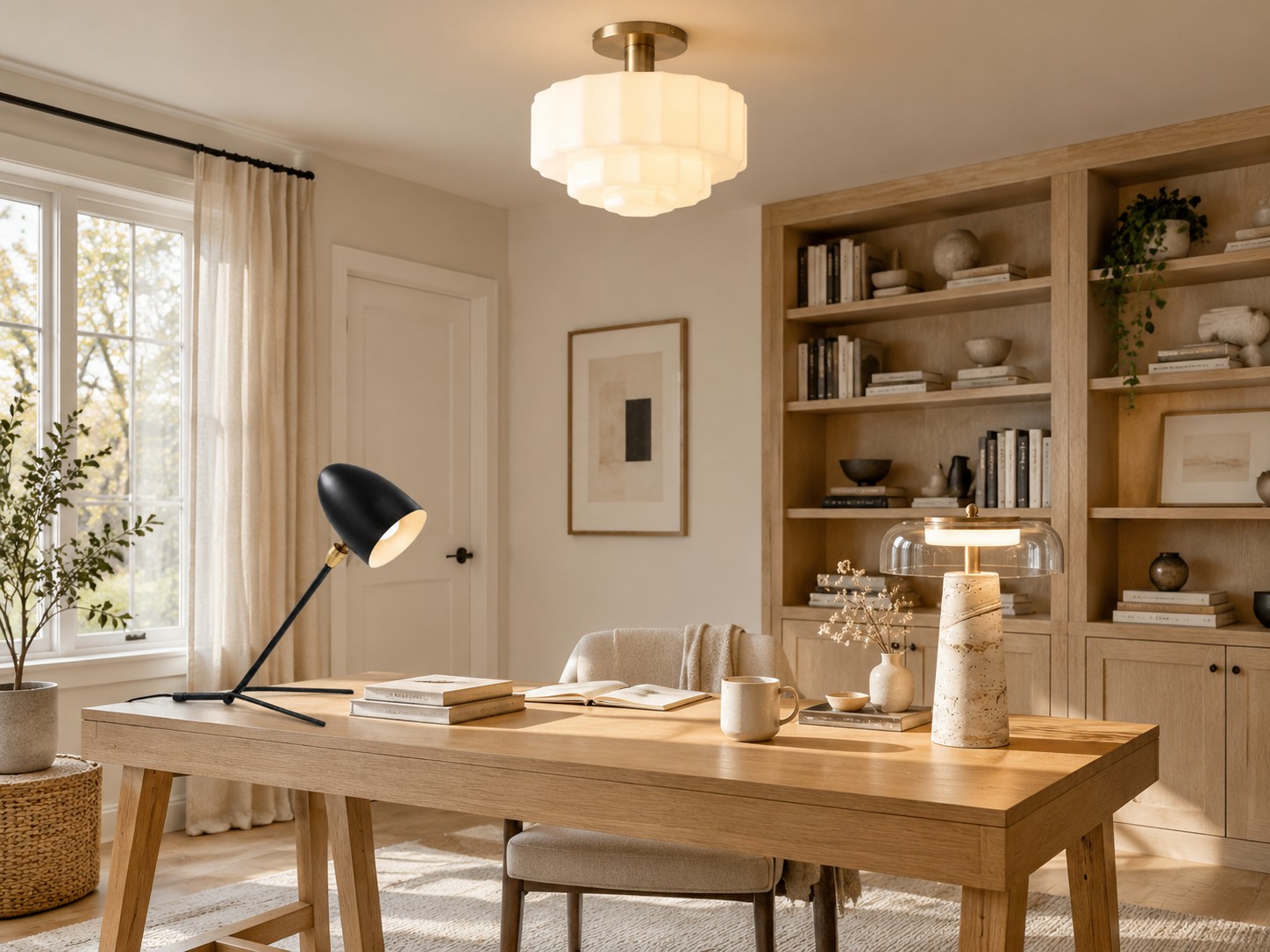
Workspace Lighting Guide
Home Office Lighting: A Comfortable Setup for Workdays
A good home office setup makes documents easy to read without reflecting a bright bulb in your screen. It is about balancing room light, desk light, and daylight through the working day.
Home office lighting should support different tasks: video calls, reading, handwriting, and computer work. The best arrangement starts with where your desk and monitor sit, not with a fixture in isolation.
Position the Desk Around Daylight
Side-on daylight can be useful for work, but direct sun behind the monitor may wash out the screen and direct sun behind you may cause reflections. Adjust blinds as the sun moves. When possible, position the desk so the window is to one side of the screen rather than directly in front of or behind it.
Daylight changes, so check the desk in the morning and late afternoon. A good electric-light plan should still work after dark.
Keep the Room Evenly Lit
An overhead fixture or other soft room light keeps the surroundings from feeling much darker than the monitor. It does not need to be excessively bright. Choose a shade and placement that do not create a strong reflection on the screen; ceiling lights are one possible ambient layer.
Lighting the wall behind the screen gently can reduce a stark contrast between a bright display and a dark room. Avoid placing a bare bright lamp where it shines into your eyes.
Add a Desk Lamp for Paper Tasks
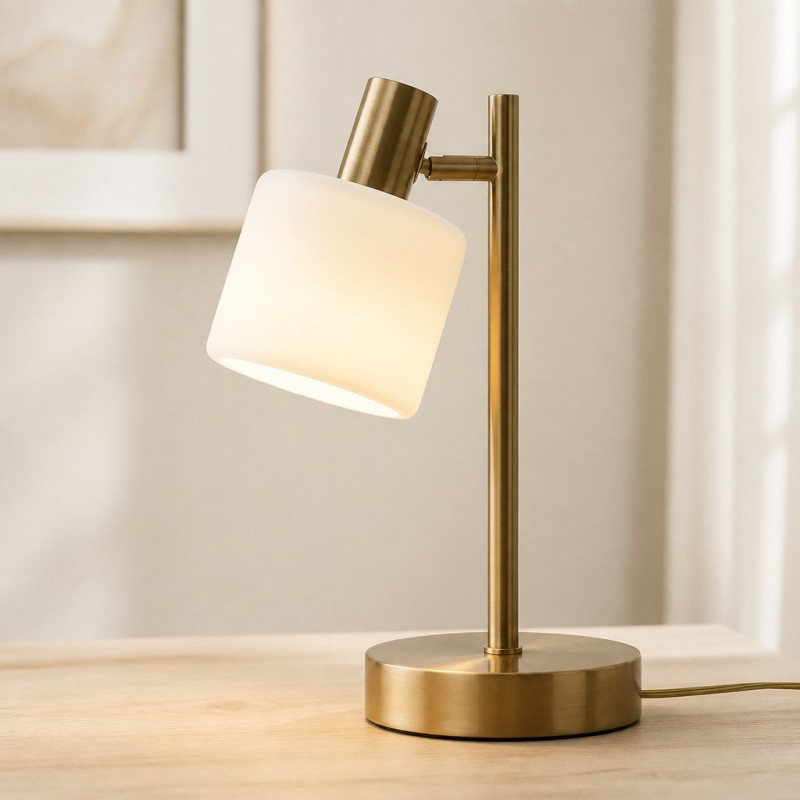
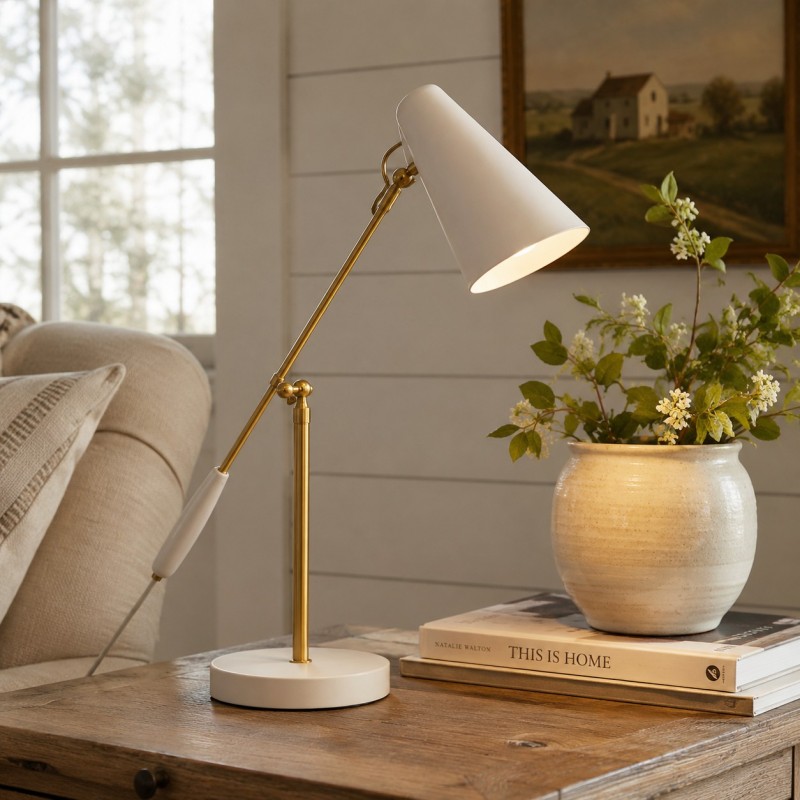
A movable desk lamp helps put light on notes without turning up the entire room. If you write with your right hand, placing it toward the left can reduce hand shadows; reverse this for left-handed writing. Aim the shade at the work surface rather than the monitor.
Compare table lamps for footprint and shade direction. A decorative lamp can add warmth, while a more adjustable lamp may be better for detailed work.
Light Your Face for Video Calls
For a video call, place a soft light in front of you or at a gentle angle. Strong backlighting from a window can leave your face dark on camera. A small lamp near the screen can help, provided it does not cause glare or shine directly into your eyes.
If you work in the evening, check that any dimming control and bulb are compatible and adjust brightness for both screen and paper tasks.
Common Home Office Lighting Mistakes
- Lighting only the keyboard: balance the rest of the room too.
- Aiming a lamp at the monitor: look for reflected bright spots.
- Working with a bright window behind you: adjust blinds for video calls.
- Choosing by appearance only: confirm lamp footprint, switch access, and shade direction.
Frequently Asked Questions
Where should a desk lamp go?
Place it so it lights documents without reflecting in the screen or casting your writing hand’s shadow across the page.
Is overhead lighting enough for a home office?
It can provide ambient light, but many desks benefit from a separate task lamp for paperwork or detailed work.
What lighting is best for video calls?
Soft light from in front of you or slightly to one side usually works better than a bright window directly behind you.
